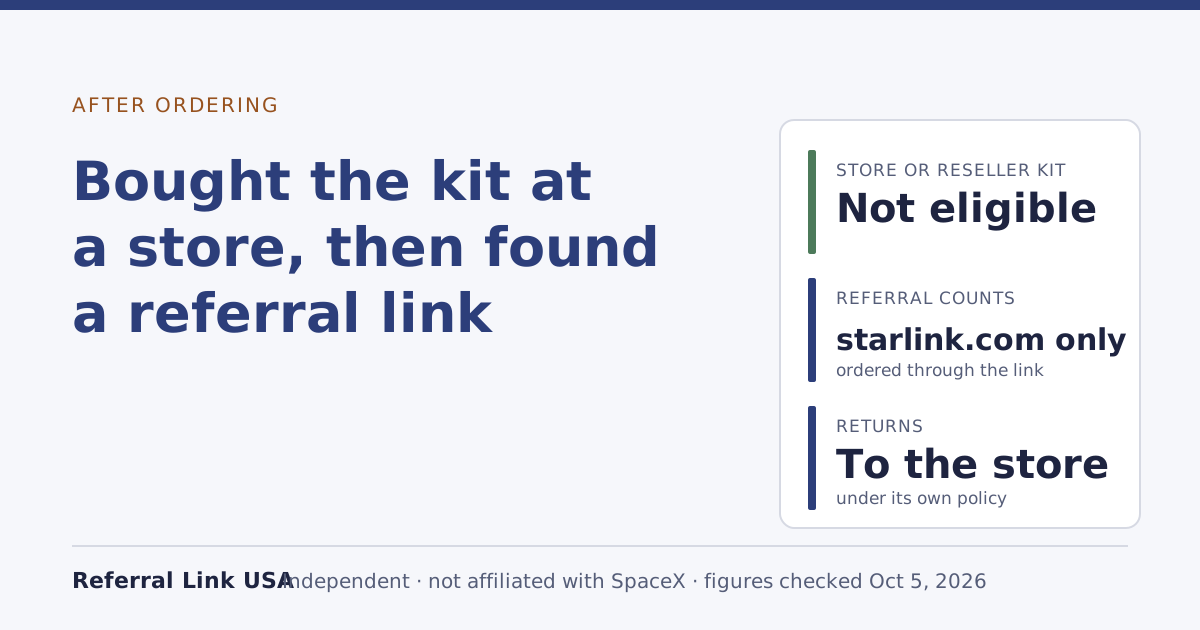
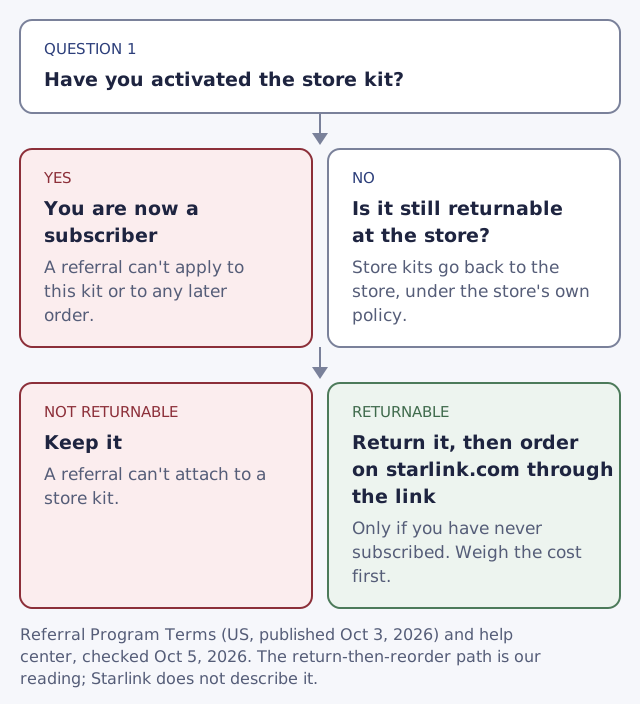
A Starlink kit bought at a store or from a reseller can’t earn a referral, and opening a referral link before you activate it doesn’t change that. The US terms require the new customer to buy both the kit and the plan directly on starlink.com, through the link, and they name retail stores and resellers as ineligible. The only path still open is narrow: if you haven’t activated the store kit, return it to the store and order on starlink.com through the link. Once you activate, you’re a subscriber and can’t be referred at all.
Below: the two rules that decide this, why activation is the point of no return, what the one remaining path involves, and when it isn’t worth the effort.
The rule, in Starlink’s words
The Referral Program Terms make the purchase channel a condition of every referral:
“The Referred Subscriber must purchase a Starlink Kit and subscription directly from www.starlink.com. Signing up through any other channel is not eligible for a Reward, including, but not limited to, retail stores, unauthorized resellers, or a private transfer from a third party.”
The help center repeats it from the customer’s side: kits bought from resellers, retailers or through an account transfer don't qualify. And the referral itself only exists when the new customer orders the kit using the referrer's own link; no other referral method counts.
Put together, a referral is created at the moment of a starlink.com order placed through someone’s link. A kit bought anywhere else never passed through that moment, so there’s nothing to attach a referral to.
Why activation is the point of no return
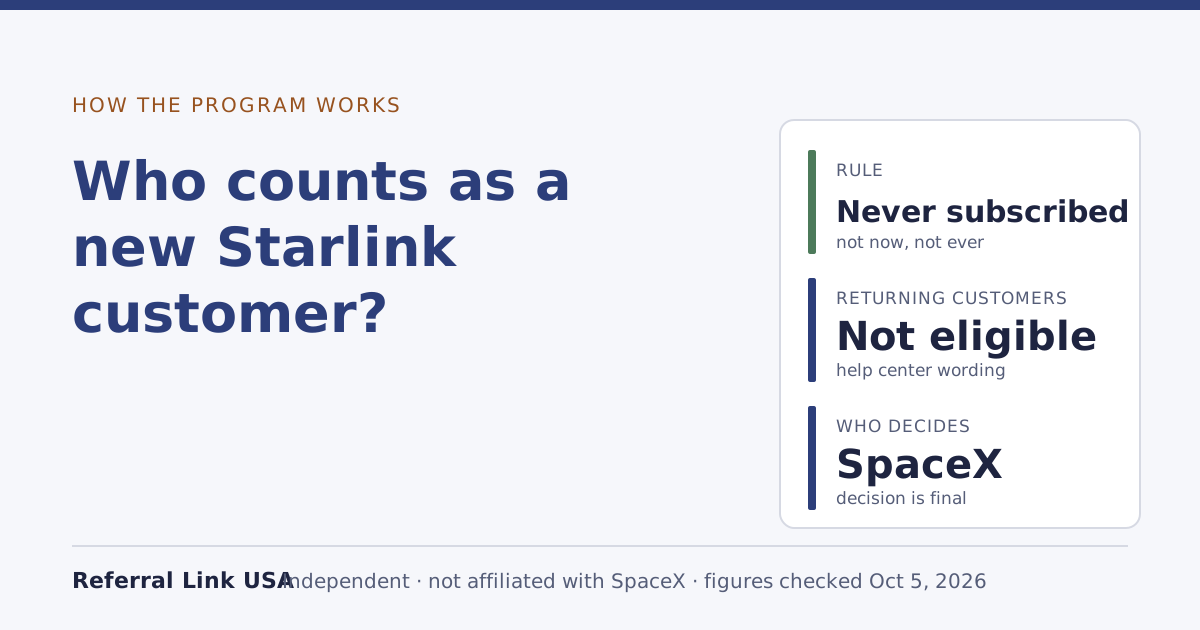
The second rule is the never-subscribed rule. The new customer has never been a Starlink subscriber, and the help center adds that existing and returning customers are not eligible.
When you activate a store kit, you start a Starlink subscription. From that day you’re a subscriber, and even if you cancelled later and ordered again on starlink.com through a link, you’d be a returning customer. Our never-subscribed guide covers the edge cases.
The one path still open
If the kit is still in its box, or at least not activated, and you’ve never had a Starlink subscription, you’re still a potential new customer. Starlink’s terms don’t care that you once bought hardware at a store; they care whether you’ve been a subscriber and where the referred order was placed.
So the path is:
- Don’t activate the store kit. Activation ends this option.
- Return it to the store. Starlink’s own return page says store and reseller kits are returned to the store, not to Starlink. Starlink’s 30-day return window applies to kits bought from Starlink; a store’s policy, timing and restocking rules are the store’s.
- Order on starlink.com through the link, from the same device and browser you open the link on, choosing an eligible plan for a US service address.
- Activate the new kit and stay two full billing cycles on a high-speed plan, so both you and the person whose link you used get the reward.
This path is our reading of how the published rules fit together. Starlink doesn’t describe it, and it doesn’t say whether a returned store kit leaves any record that could matter. We have no reason to think it does, but we can’t confirm it.
Is it worth it?
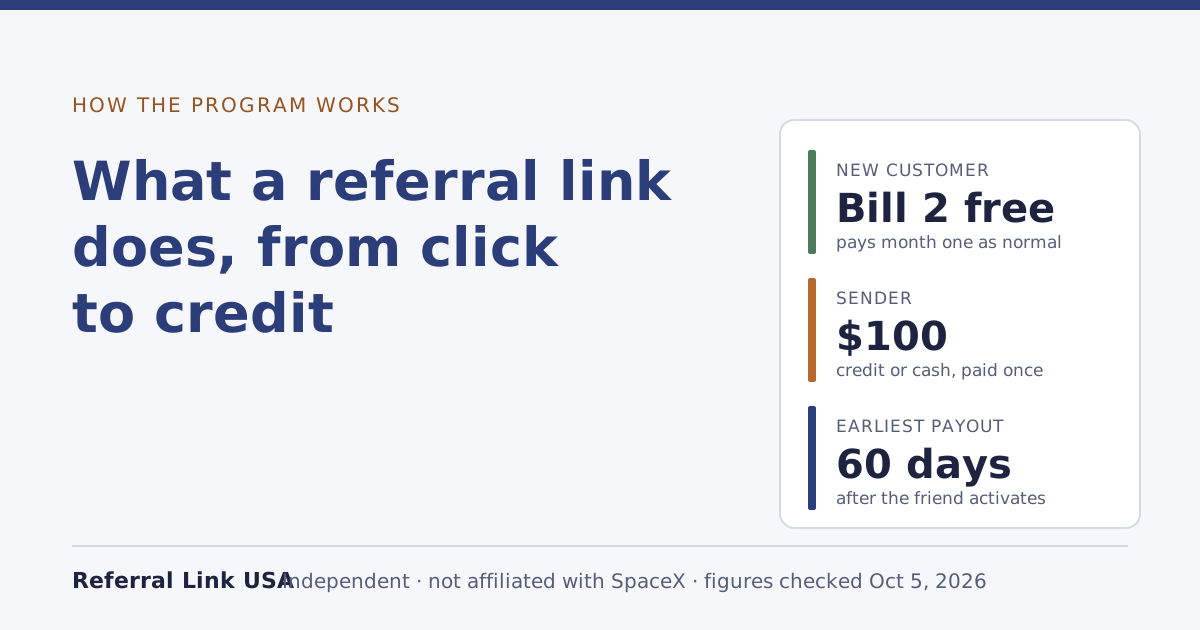
What you’d gain is the new-customer reward: one free month of service on the eligible plan picked at sign-up, credited on the second monthly bill. You still pay the first month as normal. On today’s national list prices that month is worth between $55/mo and $175/mo, depending on the plan; your account shows your own price.
What it costs:
- Two trips, or a return shipment, and the time to wait for a new kit.
- The store’s return terms, which may include a restocking fee or a short window. Check before you open the box further.
- Weeks without service while the new kit ships.
- The chance the new order comes out differently, for example a different price or availability at your address on the day you reorder.
For many people, one month of service isn’t worth a week or more offline and a second trip. If you’d already decided Starlink is for you and want to start now, keep the store kit and activate it.
What not to do
- Don’t activate the store kit “to test it” and then return it. Activation makes you a subscriber; the referral is gone for good.
- Don’t order the new kit in someone else’s name or under a new account to look like a different customer. The terms ban no extra accounts or other ways around the eligibility rules, and the person whose link you use certifies that the referral meets every rule.
- Don’t ask the person whose link you’re using to “fix it” with support. Starlink describes no way to add a referral afterwards, and a waiver of the terms only counts if it is in writing from a SpaceX representative empowered to give it.
- Don’t buy a second kit to sell on. Private transfers are named in the same clause as ineligible.
Gifts and second-hand kits
The same clause covers kits you didn’t buy yourself. A kit given to you by an existing customer, or bought second-hand, came through “a private transfer from a third party”, which isn’t eligible. If you activate it, you become a subscriber like anyone else, and a later starlink.com order won’t count as new.
If you’re the person who shared the link
If a friend tells you they bought at a store, the honest answer is that your link can’t help with that kit. Point them to this page or to already ordered without a link, and don’t push them to return anything for your benefit. A referral that turns out not to qualify earns you nothing, and by submitting a referral you certify it meets every eligibility rule.
Why the channel rule exists
Starlink doesn’t explain its reasons, but the structure of the program suggests one. A referral rewards the sender for bringing in a customer who buys directly from Starlink. A store sale already has its own channel, and the store or reseller has already earned whatever it earns on that sale. Paying a referral on top would reward two channels for the same customer. That’s our reading; the terms just state the rule.
The rule also keeps the referral tied to a single, trackable moment. A link opened on starlink.com travels with the order placed in that browser session; a receipt from a store has no connection to anyone’s link. That’s why our guide to opening a link on one device and ordering on another stresses using the same browser: the link only works when the order happens where the link was opened.
A worked example
Hypothetical: you bought a kit at a store on Saturday and haven’t opened the box. On Sunday a friend who has Starlink offers you their link. You’ve never had a Starlink subscription.
- If you keep the kit and activate it: you get Starlink today, pay your first month as normal, and no referral applies. Your friend gets nothing for it.
- If you return the kit to the store and order through the link: you wait for a new kit, then activate it. If you stay two full billing cycles on a high-speed plan, you get one free month of service on the eligible plan picked at sign-up, and your friend’s referral can mature too.
Only the second path involves a referral, and it costs you the trip back to the store and the wait. Whether that’s worth one month of service is your call.
Common mistakes
- Opening the link, then activating the store kit. The link only works on a starlink.com order.
- Assuming the receipt can be “linked” later. There’s no published process for that.
- Activating before deciding. Once activated, the referral option is closed.
- Ignoring the store’s return terms. Starlink’s 30-day window doesn’t cover store purchases.
- Using a second account or a relative’s name. That breaks the terms for both sides.
What we don’t know
As of our Oct 5, 2026 check, Starlink doesn’t state:
- Whether returning an unactivated store kit leaves any record that affects a later starlink.com order.
- Whether a store kit that’s registered but never activated counts as “subscribed”.
- Any process for adding a referral after a store purchase.
If Starlink publishes any of these, we’ll update this guide and note it in the changelog.
What to do next
- Already activated? See already ordered without a link for what’s still possible.
- Kit still unopened and you’ve never subscribed? Weigh the costs above, then read what a referral link does before you reorder.
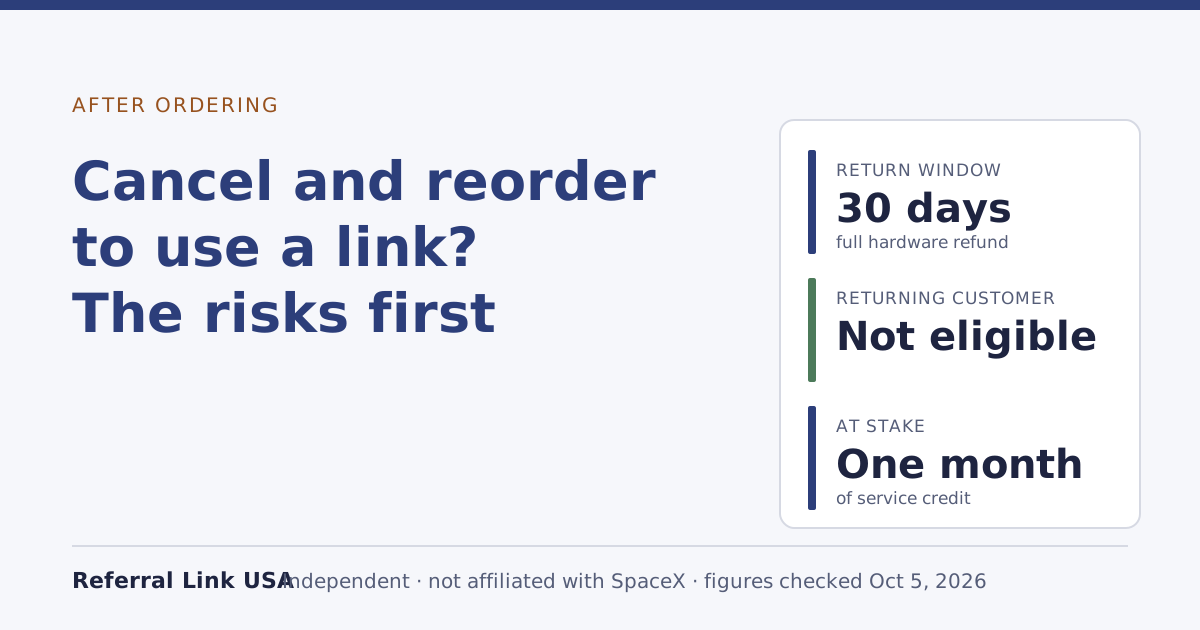
- Thinking of cancelling a starlink.com order instead? Read cancel and reorder: the risks first.
- Unsure if you count as new? Check the program rules.