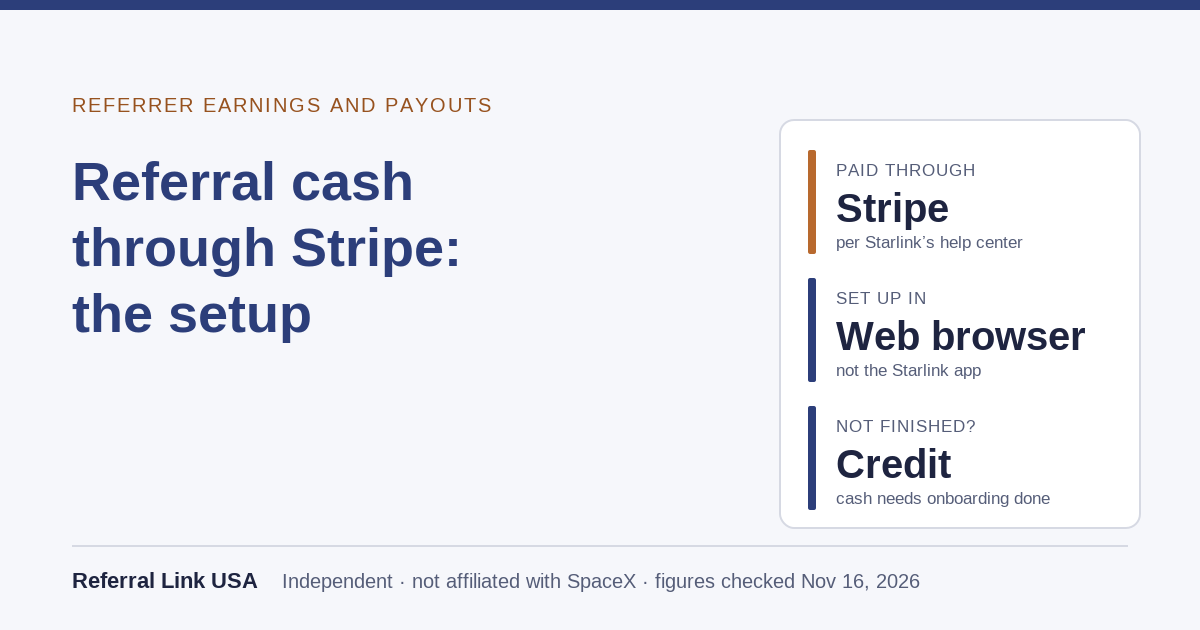
Starlink pays referral cash through Stripe. That’s now in its own help center, as we read it on Nov 16, 2026: the referral terms don’t name the payment processor, but Starlink’s help center says cash is paid through Stripe. To get cash rather than service credit, cash is set up under Referrals > Reward Method on starlink.com in a web browser (not the app): select Cash, then finish Stripe onboarding (sign in to or create a Stripe account, verify your identity and link a bank account); until then the reward is issued as service credit.
That one paragraph settles two things people used to guess at: which company sends the money, and why so many rewards land as credit. This guide turns it into steps, adds what the referral terms say on top, and lists what’s still unknown. It’s written for people who already have Starlink and share their own link; if you’re about to order, how the referral program works is your page. The wider credit-or-cash guide, with the payout timeline, is Starlink referral cash payout.
Before you start: can your account take cash?
Three conditions come before any Stripe screen.
- You need to be able to refer at all. The help center says the program is open to customers on an active Residential or Roam plan, and the terms add that only active subscribers in good standing can take part.
- Your account needs to offer cash. Cash isn’t offered everywhere: your account's Referral Reward Types setting shows whether cash is offered to you. If the option isn’t there, no setup on your side will create it. US referrers have had a cash option since late August 2026, according to press reports: US referrers can choose $100 cash to a linked bank account (rolled out around the week of Aug 21, 2026)press report.
- Credit is what you get by default. Rewards arrive as service credit unless you choose cash. Credit and cash are the same reward: the reward is one amount, taken as cash or as service creditour reading.
If you’re happy with credit on your own bill, you can stop here. Nothing needs setting up, nobody needs your bank details, and the reward comes off your next invoice.
The setup, step by step
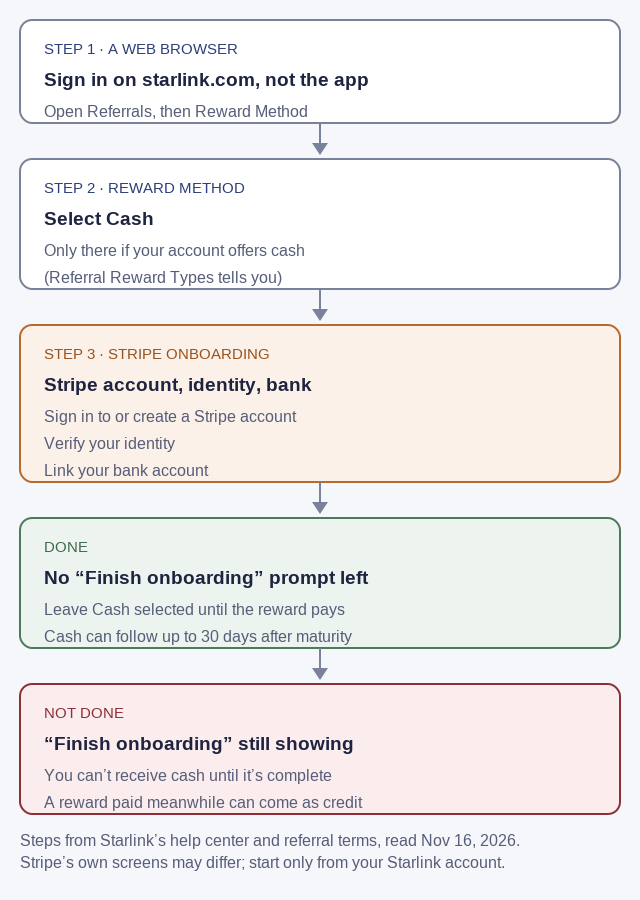
- Use a web browser, not the app. Type starlink.com into the address bar yourself and sign in. The help center is specific that this step happens on the website; the Starlink app is fine for tracking referrals but not for this.
- Open Referrals, then Reward Method. Referrals is the same section where your link and your referral list live (where to find it).
- Select Cash. If Cash isn’t offered, your account doesn’t have the option yet. In that case rewards keep arriving as credit.
- Complete Stripe onboarding. The help center lists three parts: sign in to or create a Stripe account, verify your identity, and link your bank account. Use your own legal name and your own bank account; the reward is yours, not the household’s or the friend’s.
- Check that no “Finish onboarding” prompt is left. If it’s still there, something in step 4 is incomplete.
- Leave Cash selected until the reward pays. The help center says the reward type selected when a reward pays out is the one used. Switching back to credit the week before payout means the next reward pays as credit.
The setting belongs to your account, not to one referral. The help center describes the switch as applying “for future referrals” (switch to cash to a linked bank account under the Referrals tab; it applies to future referrals), so one finished setup covers every reward that pays out after it, whether one friend ordered through your link or several. You don’t repeat the Stripe steps for each new order.
What “Finish onboarding” means
It’s the one status line worth learning. Starlink’s help center words it this way:
“If you see "Finish onboarding," your Stripe setup isn't complete yet, and you can't receive cash until it is. If you'd rather not use Stripe, your reward is issued as service credit.”
So the prompt is not an error and not a rejection. It’s a to-do item. Go back through the Stripe steps from Reward Method, and finish whichever part is missing, most often the identity check or the bank link. The help center doesn’t list which documents the identity check asks for, and we won’t guess; the processor’s ID check covers what the terms say about it.
When to do it: before the reward pays out
Timing matters more than speed. The choice is read on payout day, so the setup only has to be finished before then. Here’s how a referral lines up:
| Moment | What happens | Source |
|---|---|---|
| Your friend orders through your link | You get an email when someone orders through your link | Help center |
| Your friend activates the kit | The two full billing cycles start | Terms |
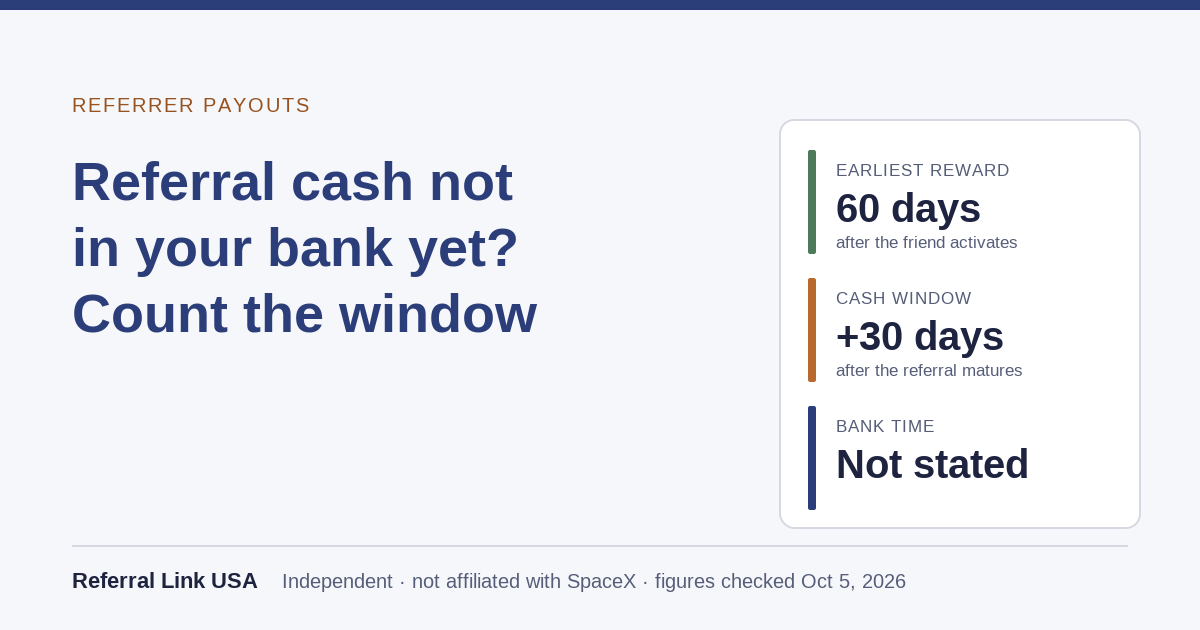
| About two months later | The referral matures; rewards are issued as soon as 60 days after activation | Help center |
| Payout | The reward type selected in your account at that moment is the one used | Help center |
| Cash payment | Cash can be paid up to 30 days after the referral matures | Terms |
The practical rule: set up Stripe as soon as you know someone has ordered through your link, and leave it alone. If your friend leaves early, nothing is lost by having set it up. If you leave it until the last week, a stalled identity check can turn a cash reward into credit.
While the referral is still pending, keep your own service running: if the referrer cancels, is suspended, or drops to Standby only, all pending referrals are cancelled. The Standby guide explains why pausing your own plan cancels pending referrals.
What the referral terms add
The help center tells you how. The terms, unchanged since the version published Oct 7, 2026, set the conditions around it:
- Registration. Cash needs registration with SpaceX's chosen third-party payment processor, kept in good standing.
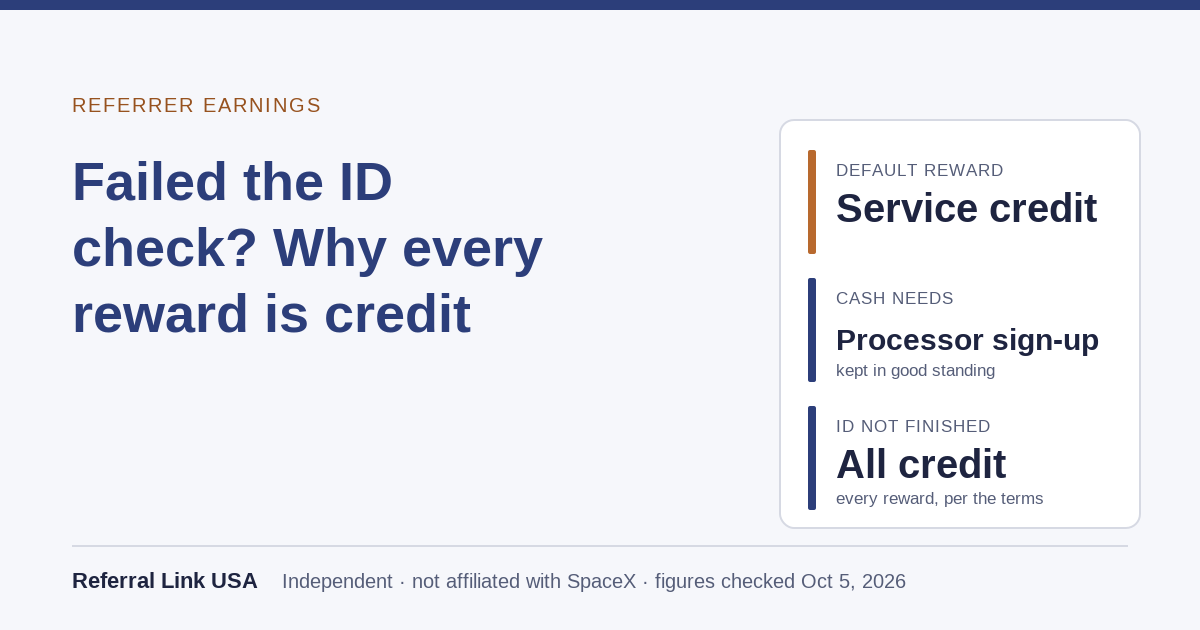
- Good standing with the processor. If you don't finish the processor's identity checks, every reward is paid as credit. This is the clause behind most “I chose cash and got credit” stories.
- Bounced payments. Cash that bounces because of wrong details or bank problems can be re-issued as credit instead.
- Bank fees. Any fee your bank charges to receive the payment is yours to pay.
- No guarantee. A pending referral is not guaranteed to pay; SpaceX can hold a reward while it checks eligibility.
None of these is new; what’s new is that the help center now names Stripe, so the “third-party payment processor” in the terms has a face.
Staying safe with a payout setup
Any setup that asks for identity documents and a bank account is worth a little care. These habits cost nothing:
- Start from starlink.com every time. Reach Stripe through Referrals > Reward Method in your own account, not through a link in an email or text you weren’t expecting.
- Don’t collect anything from your friend. The sharing rules say you may share only the link and must leave the order to starlink.com; their details have no part in your payout (sharing rules).
- Keep a record. Note the date you finished onboarding and the date each reward paid. A simple log makes a support request easy if a reward goes missing (records worth keeping).
Taxes and records
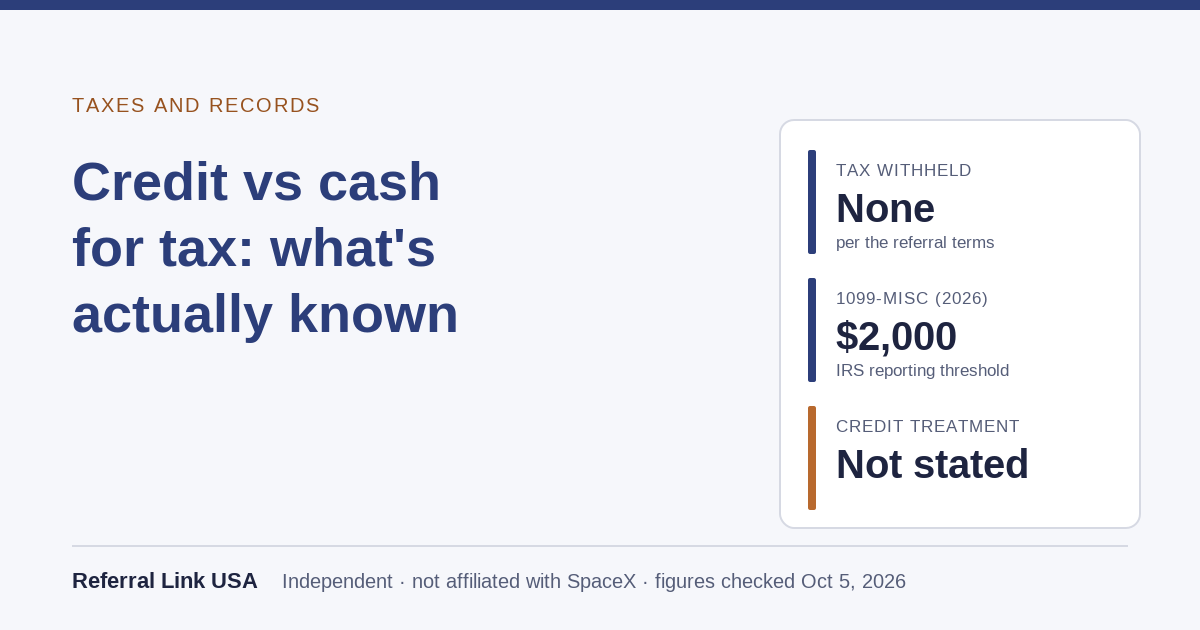
Cash in your bank account raises the tax question sooner than credit on a bill does. What’s known: rewards come with no tax included or withheld, and the referrer alone decides whether tax is owed and files anything required. What isn’t: whether SpaceX or its payment processor issues a Form 1099 for referral cashunverified. We don’t give tax advice; Starlink referral taxes has the IRS thresholds with sources, and credit vs cash for tax explains why the two may be treated differently.
What we don’t know yet
As of Nov 16, 2026, neither Starlink’s help center nor the terms say:
- How long Stripe’s identity check usually takes.
- Whether a reward already issued as credit, during an unfinished setup, can be switched to cash. Nothing published describes it, so assume it can’t.
- What a Starlink referral deposit looks like on a bank statement.
- Whether Stripe or SpaceX sends a tax form for referral cash.
If your reward came as credit when you expected cash, paid as credit, not cash goes through the three usual reasons and the fix for the next one. If cash is simply late, cash not received shows how to count the days before contacting support.