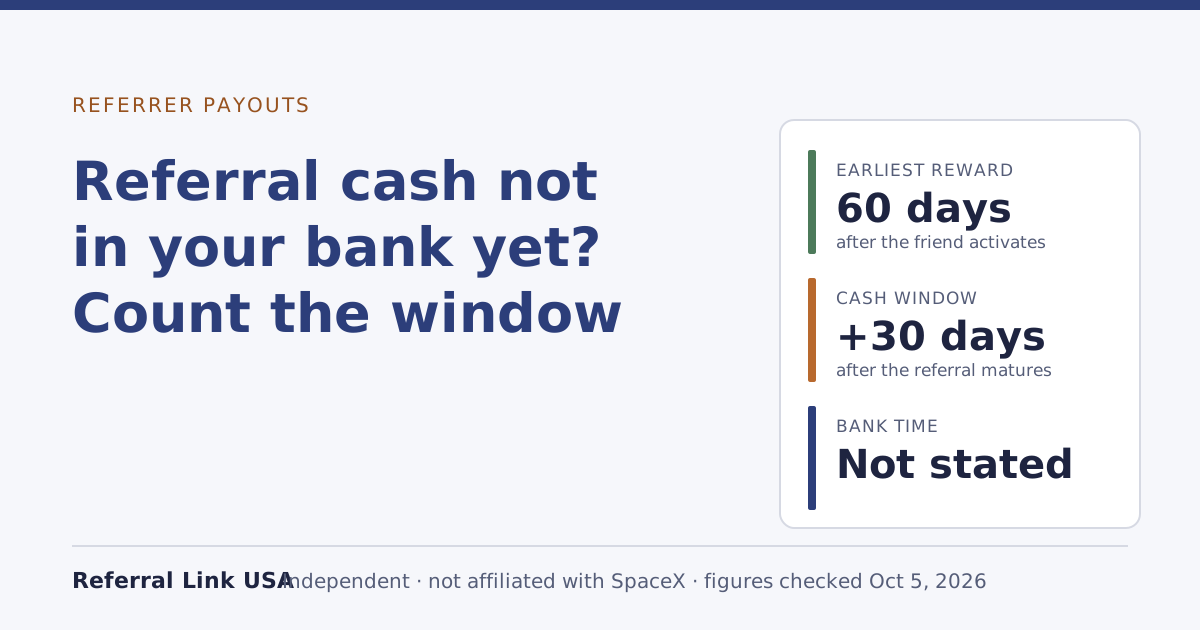
If you chose cash for a Starlink referral and nothing has reached your bank, it’s probably not late yet. Rewards are issued as soon as 60 days after your friend activates, and under the terms cash can be paid up to 30 days after the referral matures. So the fair deadline is about 90 days from activation, plus your bank’s own time. If you’re past that, check your Starlink invoices for a credit, because undeliverable cash can be re-issued as credit, then contact support with dates.
This guide shows how to count the days, the three ways cash quietly becomes credit, where else the money could be, and what to send support if it really is missing.
Two clocks, not one
Referral cash runs on two separate clocks, and most “missing payment” worries come from reading only the first.
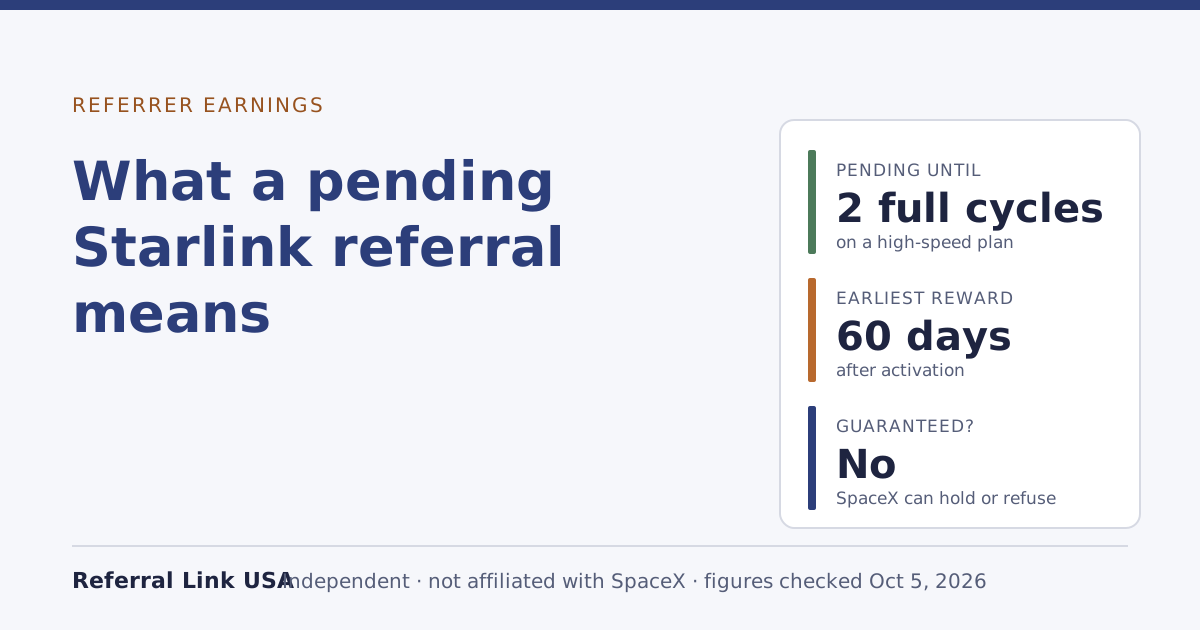
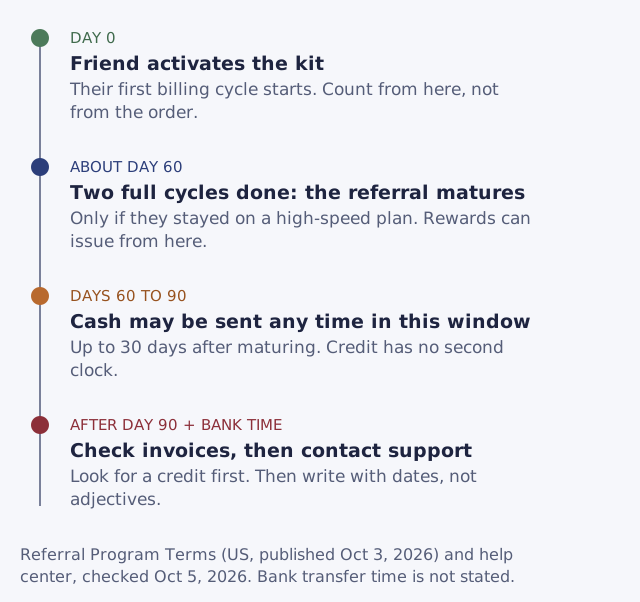
The first clock is maturity. Your friend has to stay subscribed on a high-speed plan for two full monthly billing cycles; until then the referral is pending and nothing is owed. Starlink’s help center says rewards are issued as soon as 60 days after the friend activates, and also that rewards are issued after the friend has subscribed for two months.
The second clock only applies to cash. The terms say:
“Cash payments may be issued up to 30 days after an Eligible Referral matures.”
“Up to” is a ceiling, not a promise of 30 days. It means cash can legitimately arrive any time in the month after maturity. Credit has no such second clock in the published text: it’s applied to your account and taken off your next invoice.
A worked example
Say your friend ordered through your link on June 20 and the kit arrived and was activated on June 28.
- June 28: activation. Their first billing cycle starts.
- About August 28: two full cycles are done, if they stayed on a high-speed plan the whole time. The referral matures. This is the earliest point a reward can issue.
- Up to about September 27: the latest the terms allow for cash to be issued.
- Then: whatever time your bank takes to post the deposit.
If you’re reading this on September 10, nothing is wrong yet. If it’s mid-October and there’s no deposit and no credit on your bill, it’s time to check the causes below and then write to support.
Two details move these dates. Cycles run on Starlink’s billing calendar from activation, so a friend who activated late in the month matures late in the month. And if your friend paused, changed to Standby or cancelled before the two cycles finished, the referral never matures at all; what two full billing cycles means explains the count in detail.
The three ways cash becomes credit
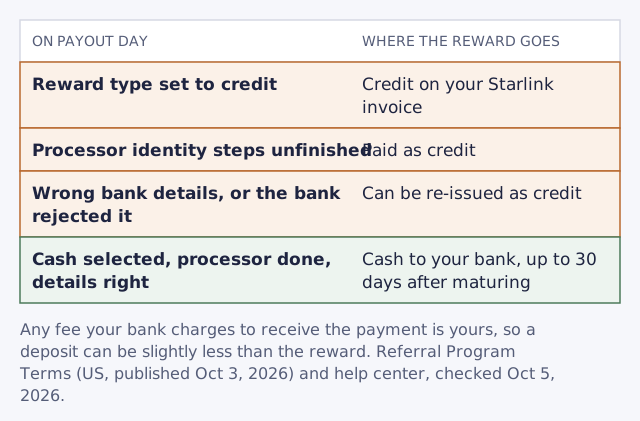
Before assuming the money is lost, look for it on your Starlink bill. There are three published ways a reward you expected as cash arrives as service credit instead.
1. Cash wasn’t selected when the reward paid out
The help center says the reward type selected when a reward pays out is the one used. It doesn’t matter what the setting was when your friend ordered; it matters what it was on the day the reward was issued. If you switched to cash after that day, the reward went out as credit. By default, rewards arrive as service credit unless you choose cash.
2. The payment processor’s steps weren’t finished
Cash goes through a third-party payment processor that SpaceX picks. Under the terms, cash needs registration with SpaceX's chosen third-party payment processor, kept in good standing, and:
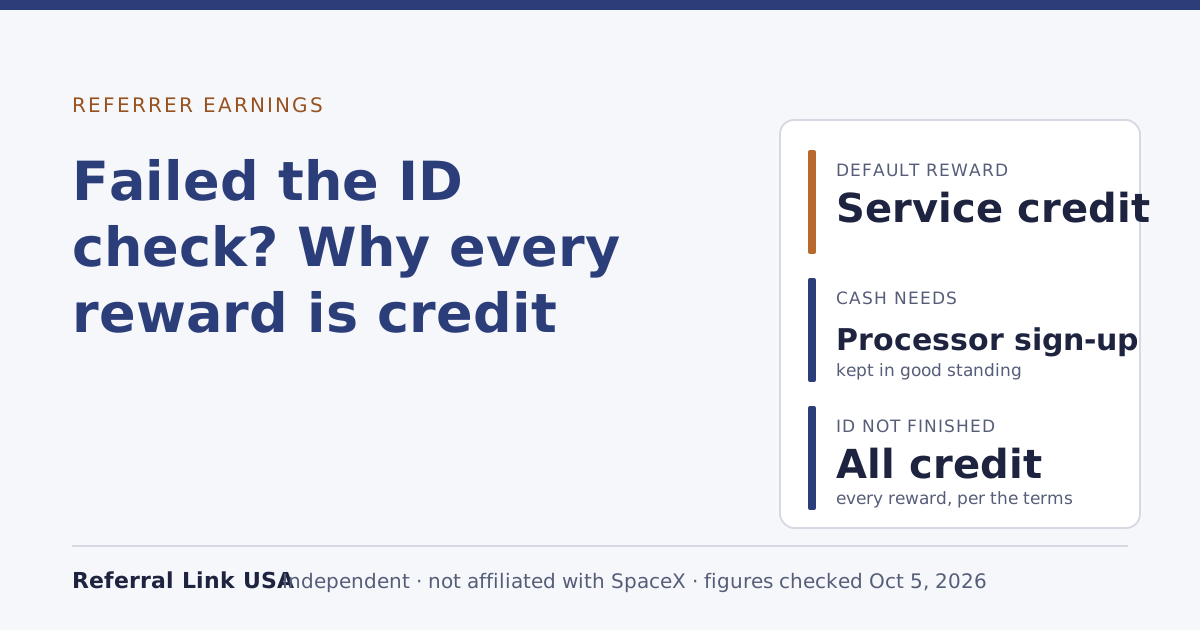
“Referrer acknowledges that failure to maintain good standing with Payment Processor, including by failing to submit all requested identification or other information, shall result in all Rewards being paid as service credits.”
If the processor asked for identification and you didn’t finish, every reward is paid as credit until you do. Our guide to the processor’s ID check walks through it.
3. The bank details failed
If the payment can’t be delivered because of wrong details or a problem at your bank, cash that bounces because of wrong details or bank problems can be re-issued as credit instead. A typo in an account number, a closed account, or a bank that rejects the incoming transfer can all end with a credit on your Starlink bill rather than a deposit.
Where to look, in order
- Your Referrals page. On the web or in the app, track referrals and rewards under Referrals on the web or in the Starlink app. Note what it shows for the referral and the date, if any. The find your link guide shows where the Referrals area lives.
- Your reward type setting. Is it on cash now? Was it on cash around the maturity date? If you can’t remember, assume it may not have been.
- Your last three Starlink invoices. A referral credit is applied to your account and taken off your next bill. Look for a credit line you can’t otherwise explain.
- The payment processor’s account. Follow the link from your Starlink Referrals area, not from an email you weren’t expecting. Look for unfinished steps or a failed payment notice.
- Your bank statement. The terms don’t name the processor, so the deposit may not say “Starlink” or “SpaceX”. Look for an unfamiliar incoming transfer near the expected amount. Remember that any fee your bank charges to receive the payment is yours to pay, so the deposit may be slightly less than the reward.
- Your email, including spam. Look for any request from SpaceX or the processor. A request for information has a short deadline; see below.
When it really is missing
If you’re past the window, there’s no credit on your bill, the processor shows nothing pending and your bank shows nothing, contact Starlink support from inside your account. Keep it short and factual:
- The approximate date your friend ordered, and the date you got the “someone ordered through your link” email.
- The approximate activation date, if your friend told you.
- Your reward type setting now, and when you last changed it.
- Whether the processor registration and ID steps are complete.
- What your Referrals page shows for this referral.
Leave out your friend’s name, address, account number or anything else from their account. Support can find the referral from your side, and the terms bar referrers from handling a prospect’s personal data. Our stuck pending checklist has a fuller support message you can adapt.
Set expectations: SpaceX alone decides whether a referral counts, and its decision is final, and a pending referral is not guaranteed to pay; SpaceX can hold a reward while it checks eligibility. If support says the referral didn’t qualify, it may not tell you why.
If SpaceX asks you something first
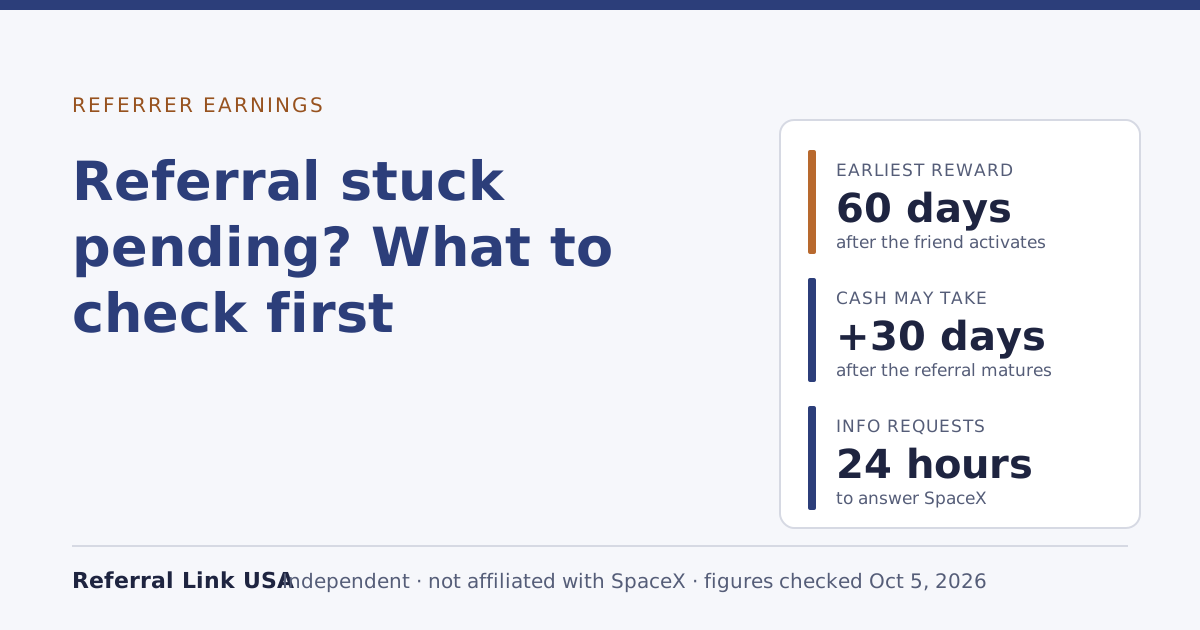
Sometimes a reward is held while SpaceX checks a referral. Under the terms you must answer any SpaceX information request within 24 hours (or the deadline it gives), and missing that deadline is grounds for removal from the program. If a request lands while you’re waiting for cash, answer it before anything else. The 24-hour rule explains what a request might ask and how to stay ready.
Common mistakes
- Counting from the order date. Shipping and setup can add a week or more. Count from activation.
- Expecting cash on day 60. Day 60 is the earliest a reward can issue. Cash can take up to 30 more days.
- Switching to cash after the reward paid out. The setting on payout day decides. Switching later only helps future rewards.
- Skipping the invoices. Credit you didn’t expect is the single most common place “missing” cash turns up.
- Cancelling or pausing your own plan while you wait. If the referral hasn’t matured yet, if the referrer cancels, is suspended, or drops to Standby only, all pending referrals are cancelled.
- Sending your friend’s account details to support. Not needed, and not yours to share.
What we don’t know
As of our Oct 5, 2026 check, Starlink doesn’t state:
- Which company the payment processor is. The terms don't name the payment processorunverified.
- How long the bank transfer itself takes once cash is sent.
- Whether you’re emailed when a cash reward is issued or re-issued as credit.
- What a deposit looks like on a bank statement.
If you’ve received referral cash and can tell us, without personal details, how long it took from maturity and how the deposit was labeled, the contact page explains how. We’ll describe it here as a reader report, not as Starlink’s rule.
What to do next
- No cash setting yet? Credit or cash shows how to switch before the next reward pays.
- Cash keeps arriving as credit? Work through cash not set up correctly.
- Taking cash this year? Read taxes on referral rewards and start a simple log.
- Still pending, not issued? See what a pending referral means.